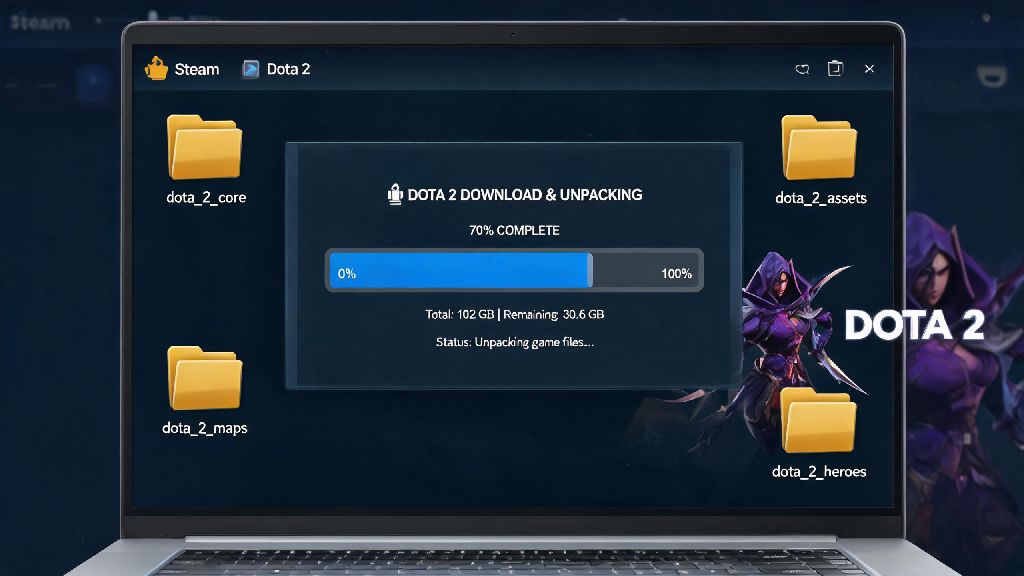
Before you dive into Dota 2’s fast-paced 5v5 matches, massive hero roster, and endless competitive play options, one of the first questions you’ll probably ask is how much gb is dota 2. I remember back when I first tried to install the game in college, I had a beat-up laptop with a 128GB SSD that was already crammed full of old study files and indie games. I almost gave up when I saw the install size, but after clearing out a few old titles I never played anymore, I got it up and running. This guide breaks down exactly what storage you can expect, plus how to keep the file size manageable even as you play regularly.
How Much GB Is Dota 2 for Initial Download vs Full Install?
The compressed initial download for Dota 2 listed on the Steam store sits at roughly 15 GB, but that’s not the final size you’ll need to account for. When you run the installer, the compressed files unpack, and the game will also download extra first-boot assets like shader caches, localization files, and hero voice packs that aren’t included in the initial download bundle. Once the full installation is complete, you can expect the base game to take up between 37 and 40 GB of space on your drive.
The final installed size is almost 2.5x the initial download size, so don't rely only on the Steam store listed download size when planning storage. If you have a spotty internet connection, you’ll also want to account for the time it takes to download both the initial 15 GB bundle and the extra post-install updates. The size doesn’t change whether you install the game on an HDD or SSD, but you’ll notice far faster load times and smoother patch installs if you use an SSD.
Factors That Make Your Dota 2 File Size Grow Over Time
Your Dota 2 install won’t stay the same size forever. It’s normal for it to grow by a few gigabytes every few months, depending on how you play the game. The most common causes of file bloat for Dota 2 are:
Many players forget to clear old replay files, which can bloat your install size by 20% or more in just a few months of regular play. I’ve had friends who had 20+ GB of replays dating back two years that they never looked at again, so it’s worth checking that folder every few months. 4K texture packs are entirely optional, so you can skip them if you're short on storage and play on a 1080p or 1440p monitor. You won’t notice any visual difference on smaller screens, and you’ll save 15 GB of space instantly.
Minimum and Recommended Storage Requirements for Smooth Dota 2 Play
If you’re still asking how much GB is Dota 2 when you account for months of patches and saved content, the safe bet is to leave at least 60 GB of free space on your drive for the game. Always leave at least 10GB of extra free space on the drive you have Dota 2 installed on, to avoid failed updates or corrupted game files. The minimum storage requirement listed on Steam is 40 GB, but that only covers the base install, no future updates or extra content. If you only have 40 GB free right now, you’ll run into issues the next time a major battle pass update drops.
For recommended storage, installing the game on an SSD with at least 256 GB of total space is ideal. You’ll get 10x faster load times between matches, and you’ll have plenty of room for other games too. If you only have an HDD available, the game will still run just fine, but you’ll wait a little longer for matches to load and for patches to install. You don’t need a top-of-the-line drive to play Dota 2, but a little extra storage space will save you a lot of frustration down the line.
Easy Tips to Reduce Your Dota 2 File Size Without Breaking Gameplay
If you’re running low on space and don’t want to uninstall Dota 2, there are a few simple fixes you can use to cut down the file size without hurting your gameplay experience. The first and easiest step is to clear out old replay files you don’t need anymore. You can find these in the “replays” folder in your Dota 2 local files, or you can delete them directly from the in-game replay menu.
Next, uninstall any custom games you haven’t played in the last three months. You can do this from the workshop tab in the Dota 2 main menu, and it only takes a few clicks. Uninstalling unused custom games can free up 5-15GB of space instantly for most casual players. If you previously installed the 4K texture pack and don’t need it, you can disable it by right-clicking Dota 2 in your Steam library, opening the properties menu, going to the DLC tab, and unchecking the high-resolution texture pack option.
You can also verify your game files once every few months to remove leftover corrupted files from old patches. This process only takes 10 to 15 minutes, and it often clears up 1 to 2 GB of unused space. Never delete core game files manually, as this can cause the game to crash on launch or force you to redownload the entire install. Stick to the in-game and Steam menus to modify your install, and you won’t run into any issues.
At the end of the day, the answer to how much gb is dota 2 depends a lot on how you play the game, but most players can expect it to take up between 40 and 60 GB of space at any given time. If you follow the simple storage tips we shared, you can easily keep the size on the lower end even if you play regularly. Once you have enough space cleared and the game installed, you’re ready to jump into one of the most rewarding competitive games out there — just don’t forget to practice your last hitting before you queue for your first ranked match.