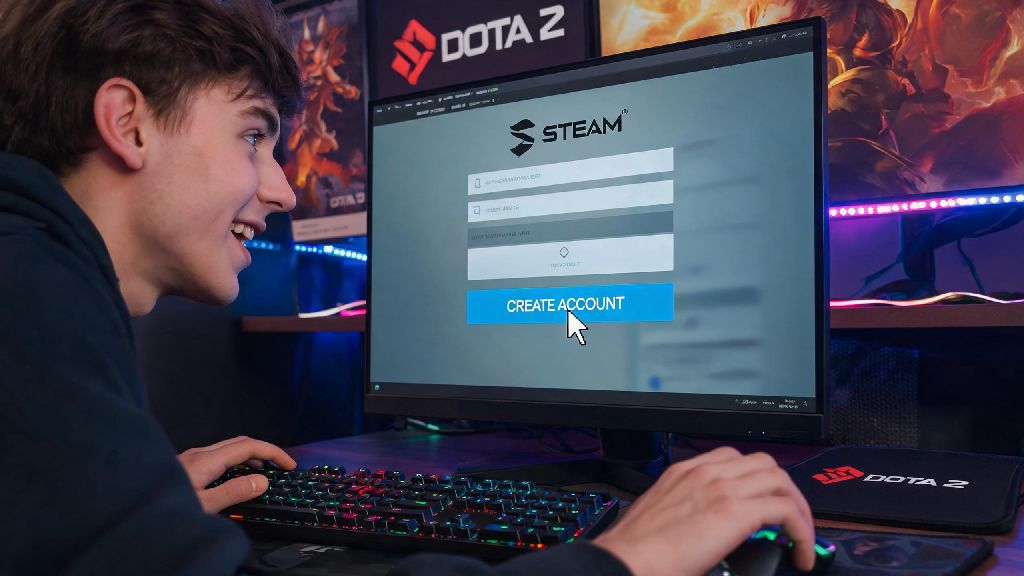
If you’ve spent hours watching pro Dota 2 tournaments or cheering on friends as they climb the ranked ladder, you’ve probably thought about jumping into the game yourself. The first thing you’ll need to sort out before you pick your first hero is how to create a Dota 2 account, and while the process looks simple at first glance, a lot of new players run into avoidable snags that cost them progress or access to features later on. I’ve helped dozens of new players in our community Discord fix setup mistakes that took them months to notice, so this guide covers every step you need to get your account running smoothly from day one, no confusing jargon included.
How to Create a Dota 2 Account: Full Step-by-Step Walkthrough
The first thing you need to know is that Dota 2 is exclusively hosted on Steam, so you can’t create a standalone Dota 2 account separate from a Steam profile. If you already have a Steam account for other games, you can skip the first few steps and jump straight to downloading Dota 2. If you don’t, head to the Steam sign-up page first, and enter a valid, active email address that you have regular access to. Never use a throwaway or temporary email for your Steam account, as this is the primary way to recover your account if you ever forget your password or get locked out.
Once you verify your email with Steam, create a secure password, and download the Steam desktop client, you can search for Dota 2 in the Steam store and download it for free. The game is around 40 GB, so make sure you have enough space on your hard drive before you start the download. When you launch Dota 2 for the first time, the game will automatically create a Dota 2 profile tied to your Steam ID, and you’ll be walked through a short initial setup process.
During this first launch, you’ll be asked to pick a display name (you can change this later whenever you want), select your game region, and adjust basic control and graphics settings. You can also choose to import control presets from other popular MOBAs if you’ve played League of Legends or Smite before, which can cut down on the learning curve for basic controls. Once you finish this initial setup, you’re ready to jump into unranked or turbo matches right away, no extra steps required for core game access.
Key Account Setup Choices That Impact Your Long-Term Dota 2 Experience
A lot of new players rush through the setup process without paying attention to small choices that can cause big headaches later. The first choice to get right is your region selection. Pick your actual physical region when first setting up your account, even if you’ve heard that other regions have easier low-rank lobbies. If you pick a region far from your location, you’ll deal with constant high ping and lag in matches, and Valve’s anti-smurf system may flag your account for unusual activity if you regularly connect from a different region than the one you selected.
Another important choice is whether to link your phone number during setup, even if you don’t plan to play ranked right away. You can only link one Dota 2 account per valid phone number, so if you use a number that’s already tied to a friend or family member’s account, you’ll be locked out of ranked play until you provide a different number. Valve also does not accept VOIP or virtual phone numbers for verification, so you’ll need to use a physical cell phone number tied to a local carrier.
You’ll also be asked to set your profile privacy settings during setup. You can choose to make your match history, MMR, and inventory public or private, and you can adjust these settings at any time later. If you plan to stream Dota 2, join community tournaments, or look for guilds to play with, keeping your profile public will make it easier for other players to find and connect with you. If you’re just playing casually with friends, keeping your profile private is completely fine and won’t impact your access to any game features.
Common Dota 2 Account Setup Mistakes to Avoid
After helping new players fix account issues for over three years, I’ve seen the same small mistakes cause massive problems over and over again. These are the most common mistakes to skip when you set up your account:
Another big mistake new players make is creating multiple smurf accounts right away, even if they have experience playing other MOBAs. Smurf accounts are against Valve’s terms of service, and you can get all linked accounts banned if you’re caught using a secondary account to stomp new players in low-rank lobbies. Starting with one main account also lets the matchmaker calibrate your skill accurately, so you get matched with players at your actual skill level instead of being stuck in lobbies that are too easy or too hard.
How to Verify and Unlock Full Features on Your New Dota 2 Account
When you first create your Dota 2 account, you’ll have access to all core game modes for free, but a few features will be locked until you complete simple verification steps. The first feature most new players want to unlock is ranked play, and you’ll need to meet two requirements to access it: you need a linked, verified phone number on your account, and you need to reach profile level 20 by playing unranked, turbo, or custom matches. Profile level 20 usually takes around 100 hours of play time to reach, which gives you plenty of time to learn different heroes and game mechanics before you play ranked.
You’ll also need to verify your account to access the Steam Community Market and trading features, which let you buy, sell, and trade Dota 2 skins and cosmetic items. To unlock these features, you need to spend at least $5 USD on your Steam account, either by adding funds to your Steam wallet or buying a game from the Steam store. You don’t have to spend any money to play Dota 2’s core game modes, every hero is 100% free forever, so this spend is only required if you want to trade or buy cosmetic items.
If you want to join official community tournaments or participate in Dota 2’s guild system, you just need to have a verified account with no active penalties or bans. You can check your account standing at any time in the Dota 2 settings menu, under the “account” tab. If you have any active penalties, they’ll be listed there with an expiration date, and you can usually resolve minor penalties by playing matches without breaking community rules. Enabling Steam Guard two-factor authentication on your Steam account is also a good idea to protect your account from hacking attempts, and it only takes a minute to set up in your Steam settings.
Setting up your Dota 2 profile doesn’t have to be confusing, even if you’re completely new to Steam or MOBAs. Taking a few extra minutes to follow the steps correctly when you learn how to create a Dota 2 account will save you months of hassle down the line, from locked ranked access to lost account recovery options. Once you’re set up, take your time testing out different heroes in unranked matches before you jump into ranked play, and don’t stress if you lose a lot at first — every pro player started exactly where you are, just learning the ropes and having fun.