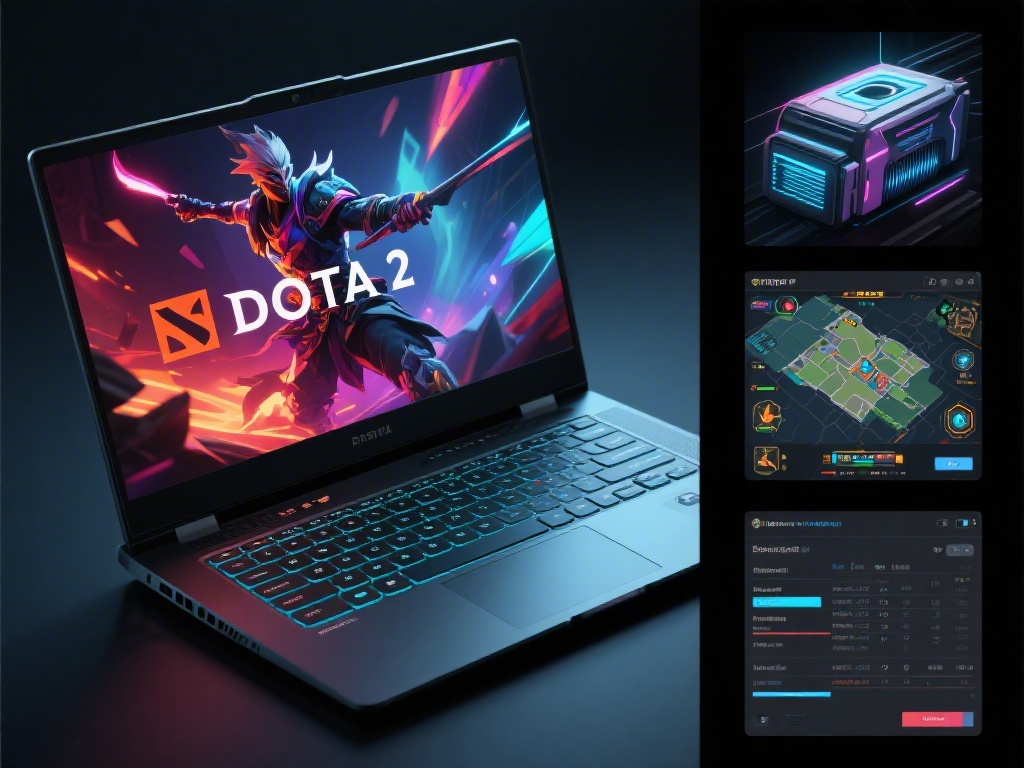
Can My Laptop Run Dota 2? A Comprehensive Guide to System Requirements

Can My Laptop Run Dota 2? A Comprehensive Guide to System Requirements

Are you a fan of Dota 2 and wondering if your laptop can handle the epic battles? In this comprehensive guide, we'll delve into the minimum system requirements for running Dota 2 and provide tips on how to upgrade your laptop for optimal gaming performance.

Understanding Dota 2's Minimum System Requirements

Dota 2, known for its intense gameplay and high graphical demands, requires a decent set of specifications to run smoothly. The minimum system requirements for Dota 2 are as follows:

  • Processor: Intel Core 2 Duo or AMD Athlon 64 X2
  • Memory: 2 GB RAM
  • Graphics: NVIDIA GeForce 8600 / ATI Radeon HD 2600
  • DirectX: Version 9.0c
  • Storage: 4 GB available space
  • How to Check Your Laptop's Specifications

    Before you start upgrading, it's crucial to know your laptop's current specifications. Here's how to check them:

  • On Windows, press the Windows + R keys, type "msinfo32" in the Run dialog, and press Enter.
  • On macOS, open the Apple menu, go to "About This Mac," and click on "System Report." This will show you your laptop's specifications.
  • Upgrading Your Laptop for Dota 2

    If your laptop doesn't meet the minimum requirements, there are several ways you can upgrade it:

  • Memory (RAM): Increasing your RAM can significantly improve your gaming experience.
  • Graphics Card: Upgrading to a dedicated graphics card like an NVIDIA GeForce GTX series or an AMD Radeon RX series can provide a substantial boost.
  • Storage: Consider upgrading to an SSD for faster load times and overall system performance.
  • Optimizing Your Dota 2 Setup

    Even with a decent setup, optimizing your gaming environment is key to a smooth experience:

  • Update Drivers: Make sure your graphics card drivers are up to date for the best performance.
  • Adjust Graphics Settings: Lowering the graphics settings to "Low" or "Medium" can help if your laptop is struggling to maintain high frame rates.
  • Close Unnecessary Programs: Running too many applications in the background can consume valuable resources and slow down your game.
  • Conclusion

    Now that you know the minimum system requirements for Dota 2 and how to check your laptop's specifications, you should be able to determine if your laptop can run the game. If not, follow our upgrading tips to get the most out of your gaming experience. Happy gaming!