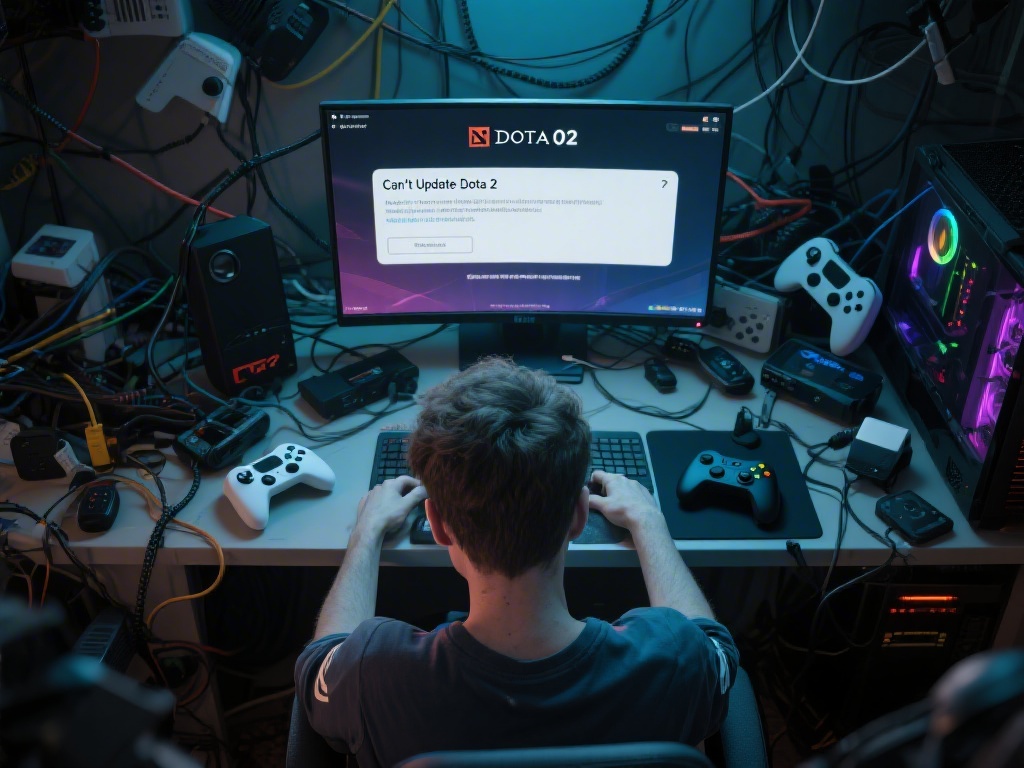
Are you frustrated with the "can't update Dota 2" error? Don't worry, you're not alone. Many Dota 2 players face this issue at one point or another. In this comprehensive guide, we'll explore the common reasons behind this problem and provide you with effective solutions to fix it.
Understanding the "Can't Update Dota 2" Error
The "can't update Dota 2" error can be caused by several factors, including network issues, outdated game files, or problems with your game client. Identifying the root cause is the first step towards resolving the issue.
Common Causes of the Update Error
Network Issues: Sometimes, your internet connection might be the problem. Ensure you have a stable and fast internet connection.
Outdated Game Files: If your game files are outdated, it can prevent the update from installing correctly. You may need to download the latest version of the game.
Game Client Issues: Corrupted game files or a malfunctioning game client can also cause update errors.
Step-by-Step Solutions to Fix "Can't Update Dota 2"
Check Your Internet Connection: Ensure you have a stable and fast internet connection. Use a speed test tool to check your connection speed.
Verify Game Files: Open the Steam client, go to your Dota 2 library, right-click on the game, select "Properties," and then click on "Local Files." Choose "Verify Integrity of Game Files." This process will check for and fix any corrupted game files.
Update Steam: Ensure your Steam client is up to date. Outdated Steam clients can sometimes cause issues with game updates.
Manually Download the Update: If the automatic update fails, you can try downloading the update manually from the Dota 2 website.
Check for Conflicting Programs: Sometimes, antivirus or firewall programs can interfere with game updates. Temporarily disable these programs to see if they are causing the issue.
Preventive Measures to Avoid Future Update Errors
Take the following steps to prevent future update errors:
Regularly Update Your Game: Keeping your game updated is essential for a smooth experience.
Backup Your Game Files: Regularly backup your game files to prevent data loss.
Use a Reliable Internet Connection: A stable and fast internet connection is crucial for downloading game updates.
Conclusion
Resolving the "can't update Dota 2" error can be a hassle, but with the right approach, you can fix it in no time. By understanding the common causes and following the outlined solutions, you'll be able to keep your Dota 2 game updated and running smoothly.