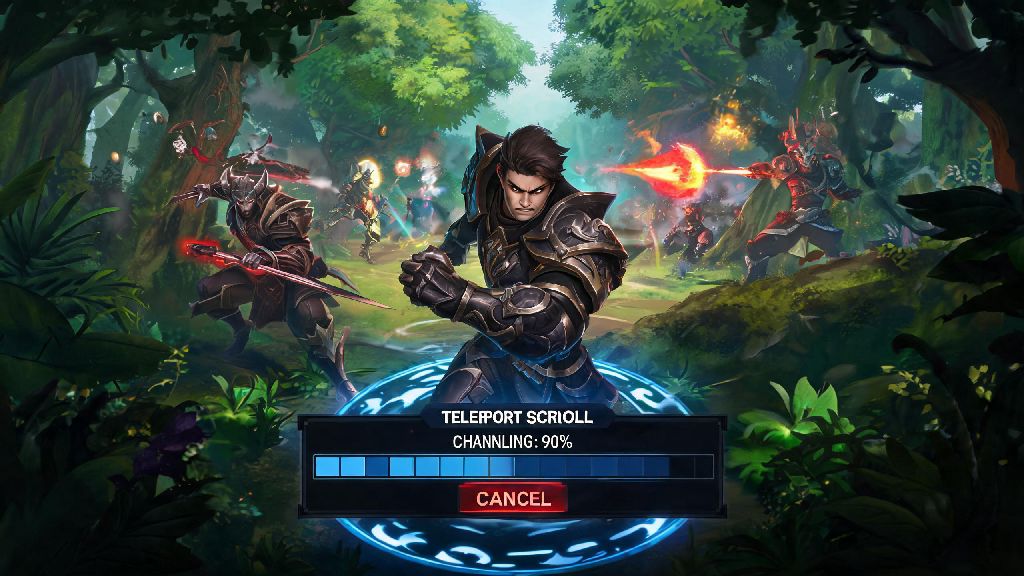
Every Dota 2 player has been there: you misclick a TP scroll to the wrong lane right as a team fight breaks out, or you spot three enemy heroes hiding in the trees next to the tower you’re about to teleport to. Knowing how to cancel TP in Dota 2 isn’t just a basic quality of life skill—it can save you 100 gold, keep you alive, or even turn the tide of a close ranked game. I’ve lost count of the number of low-priority matches I could have won if I’d figured out this mechanic faster as a new player, so this guide breaks down everything you need to know to pull it off every time, no fumbles.
Step-by-Step: How to Cancel TP in Dota 2 Correctly
Canceling a teleport is far simpler than many new players realize, and it works the same way for TP scrolls, boots of travel, and even hero abilities that teleport you across the map. The only catch is you have to act before the 3-second channel bar finishes filling up. Once the channel hits 100%, you’ll be teleported no matter what you press.
The most reliable method is pressing your default stop action key, which is bound to S on standard keyboard layouts. This immediately interrupts the channel, and you’ll stay exactly where you are. If you’re playing with mouse-only binds or forgot your S key, you can also right-click anywhere on the map to order your hero to move, which will also cancel the TP.
Pressing the TP item icon again won’t cancel the channel, so don’t waste time fumbling with your inventory when you need to stop a teleport fast. Important note: Voluntary TP cancels do not consume your TP scroll or charge, but enemy-initiated interrupts like stuns or silences will waste your TP entirely. That’s why it’s always better to cancel a bad TP yourself before an enemy gets the chance to interrupt you.
Common Scenarios Where Canceling TP Saves the Game
Most new players only use TP cancels to fix misclicks, but this mechanic can get you out of dozens of tricky situations if you know when to use it. For example, I once saved a ranked game last month by canceling a TP to the top lane right as the enemy team jumped Roshan. We got the Aegis and won the next team fight because I stayed to help instead of teleporting away.
Other common high-impact scenarios include canceling a TP when you spot a gank waiting at your destination, or ditching a TP to a low-priority farm lane when a team fight breaks out right next to your current position. You can also cancel a TP if you realize the tower you were going to defend has already been destroyed, so you don’t show up to an empty lane where enemies are waiting to pick off stragglers.
Even experienced players make avoidable mistakes when canceling TPs in high-pressure moments. The most common errors are:
Always keep half an eye on your TP channel bar when you start casting, so you have enough time to cancel if something unexpected pops up on the minimap. It only takes a split second to miss your window to cancel, so don’t get distracted right after you click to teleport.
Advanced Strategic Uses for TP Cancels
TP cancels aren’t just for fixing mistakes—they’re also a powerful strategic tool to outplay opponents, especially in higher rank matches where enemies pay close attention to minimap movement. One of the most common pro plays is baiting enemies with a fake TP: you start channeling a teleport to a different lane to make the enemy think you’re leaving, then cancel and hide in the nearby trees.
The enemy will almost always push up the lane thinking you’re gone, and you or your team can jump them for an easy kill. TP cancel baiting works especially well if you’re playing a support with stuns or catch abilities, since enemies will let their guard down when they think you’re leaving the lane to farm or help another teammate.
You can also use TP cancels to save your limited TP charges for higher priority plays. If you only have one TP charge left and you start channeling to a side lane, then see your team is starting a Roshan fight, cancel the first TP immediately and use your charge to go to Roshan instead. Wasting your only TP on a low-impact lane when you could be helping your team secure an Aegis is one of the easiest avoidable mistakes in the game.
Enemy players can see your TP animation on their minimap, so faking a TP can manipulate their positioning even if they don’t see your hero directly. This trick works great for defending high ground: start channeling a TP to a side lane to make the enemy think you’re abandoning the base, then cancel and join the fight right as they dive your tower. They’ll be caught completely off guard almost every time.
How to Practice TP Cancels to Avoid Fumbles In-Game
The best part about mastering TP cancels is that it only takes 10 to 15 minutes of practice to build muscle memory, so you don’t have to waste dozens of ranked games fumbling the mechanic. Start by loading up any hero in demo mode, buy a TP scroll, and practice canceling it over and over with your preferred keybind until it feels second nature.
If you find the default S key hard to reach while you’re using your movement keys or ability binds, don’t be afraid to adjust your keybinds. Rebinding stop action to a mouse side button is one of the most underrated quality of life changes for new Dota 2 players, since you can cancel channeled abilities without taking your hand off your movement keys. Just make sure you test the new bind in demo mode first so you don’t fumble it in a real match.
Once you’re comfortable canceling TPs in demo mode, practice in unranked or turbo games before you bring the skill to ranked matches. Turbo games are perfect for practicing because you’ll be using TPs far more often than in standard matches, so you’ll get more chances to test your cancel reflexes in low-stakes situations. You can also practice canceling other channeled abilities like Witch Doctor’s Death Ward or Crystal Maiden’s Freezing Field, since the same stop action mechanic applies to all channeled casts.
Don’t get frustrated if you mess up a few cancels at first. Even pro players fumble TP cancels now and then in high-stakes tournament matches, so a few mistakes in casual games are nothing to worry about. The more you practice, the more natural the motion will feel, and soon you’ll be canceling TPs without even thinking about it.
At the end of the day, knowing how to cancel TP in Dota 2 is one of those small, simple skills that makes a huge difference in your overall win rate. It takes almost no time to master, but it can save you hundreds of gold, dozens of deaths, and even more lost matches over your time playing. Don’t sleep on this mechanic just because it seems basic—even small mechanical improvements add up to way more wins over hundreds of games.