How to Play Dota 2 Offline: Simple Step-by-Step Guide for Every Player
Learn how to play Dota 2 offline without a stable internet connection, plus useful tips for custom lobbies, bot matches, and fixing common launch errors.
Dota 2 troubleshooting articles
Learn how to play Dota 2 offline without a stable internet connection, plus useful tips for custom lobbies, bot matches, and fixing common launch errors.
Learn how to open the console in Dota 2 with our simple, tested guide. Unlock custom commands, adjust performance settings, and fix in-game issues faster than e
Learn how to open console on Dota 2, enable advanced commands, tweak game settings, and fix common access issues to improve your in-game performance and experie
Learn how to install Dota 2 on Windows, macOS, and Linux without common errors. Follow our proven steps to set up the game fast and start playing with friends r
Learn how to enable Vulkan in Dota 2 with our straightforward guide, plus fixes for common issues, FPS boost tips, and tricks for more stable performance during
Learn how to download Dota 2 on Mac without performance hiccups, follow our tested step-by-step process to set up the game correctly, fix common launch errors,

Learn how to contact Dota 2 support to resolve account locks, item disputes, false match bans, and technical glitches fast with our clear, no-nonsense guide for

Learn how to clear Dota 2 cache to fix lag, crashes, missing texture glitches, and improve overall game performance with our simple, no-fuss guide for all PC us
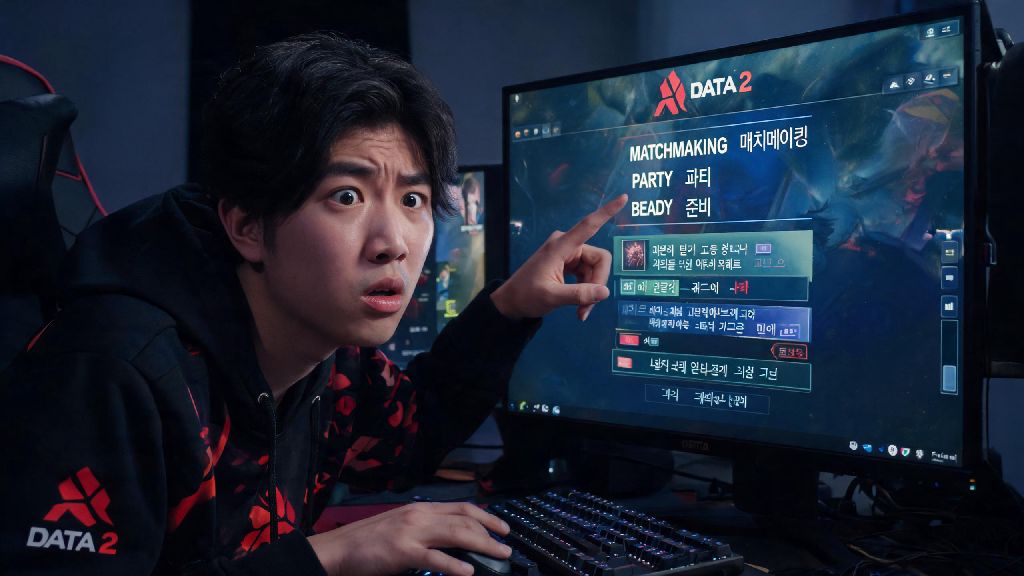
Learn how to change language in Dota 2 for Steam, in-game, and console fixes. Resolve common text glitches, keep your game progress intact, and play in your pre
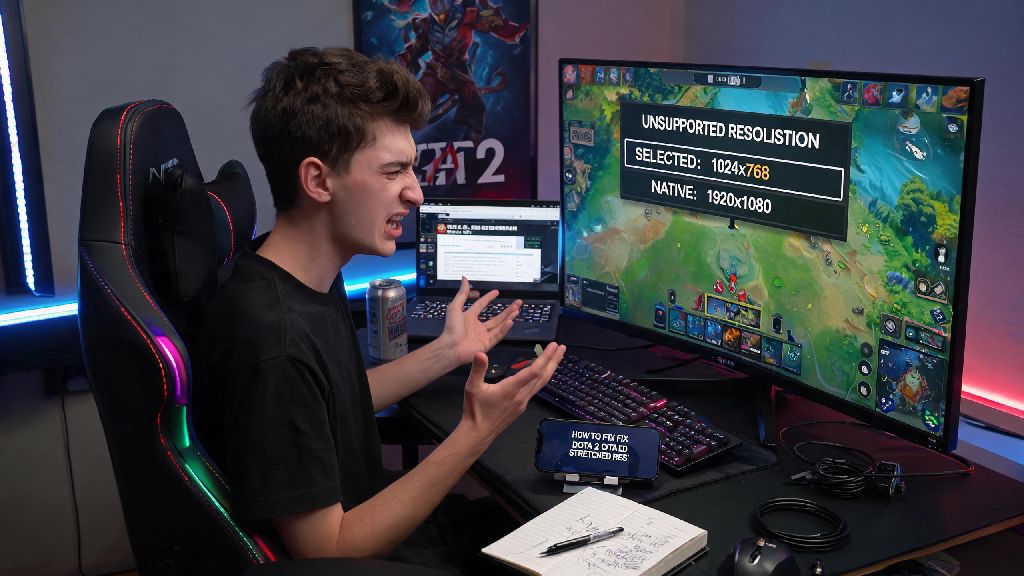
Learn how to change Dota 2 resolution outside of game when your client crashes, displays black screen, or won’t launch properly with our step-by-step, no-fuss