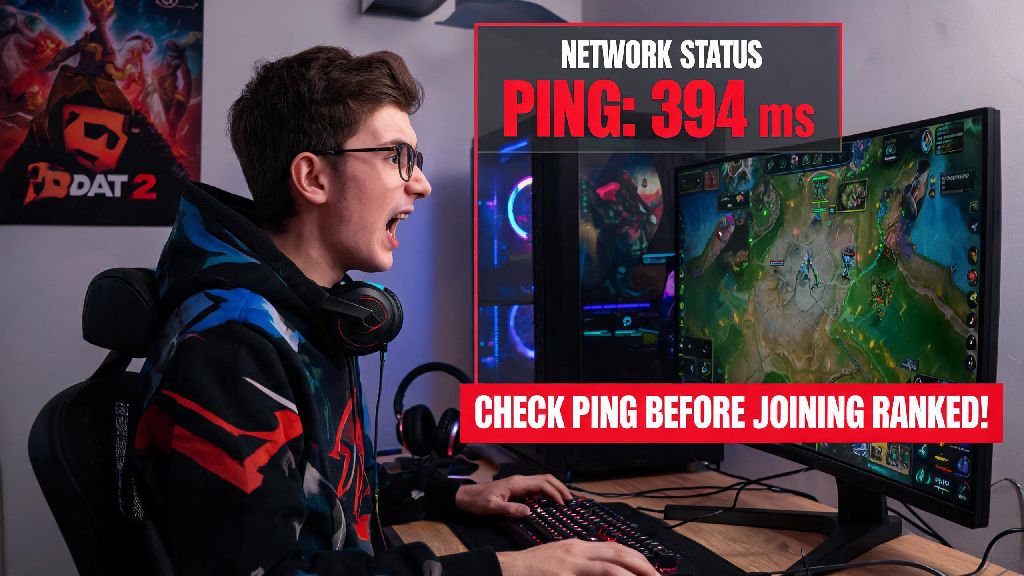
We’ve all been there. You’re 20 minutes into a ranked match, your team is set up for a perfect team fight around Roshan, you hit your Blink Dagger key to initiate with a stun, and nothing happens for two full seconds. By the time your input registers, your entire squad is wiped, and you lose the match for what feels like no fault of your own. If this sounds familiar, learning how to check ping dota 2 is one of the simplest, most high-impact skills you can pick up to avoid those frustrating, avoidable losses. Most new players brush off connection checks as unnecessary, but hundreds of hours of grind time can be wasted on matches you never had a shot at winning because of unrecognized high ping.
How to Check Ping in Dota 2 Before You Queue for a Match
Checking your ping before you enter the match finder is the best way to avoid wasting 10 minutes loading into a game you can’t play properly. The easiest way to do this is through Dota 2’s built-in network test tool, which you can find in the Settings menu under the “Network” tab. Run the test, and it will give you a real-time reading of your ping to the closest Dota 2 server, plus data on packet loss and jitter. Always test your ping directly through Dota 2, not a generic speed test site, for the most accurate results. Generic speed tests connect to random local servers, not the Valve-hosted servers Dota 2 uses, so their readings are often 10-30ms lower than your actual in-game ping will be. I made this mistake for months, wondering why my speed test said 20ms ping but my in-game input always felt delayed, until I found the built-in test tool.
How to See Your Ping During Active Dota 2 Matches
Even if your pre-queue ping looks perfect, it’s common for connection issues to pop up mid-match, especially if other people on your home network start using bandwidth for streaming or downloads. To keep an eye on your ping during matches, you can turn on a permanent network display in just a few clicks. Head to Settings > Options > Advanced Options, then toggle the “Display Network Information” setting on. You’ll see a small readout in the top right corner of your screen that shows your current ping, packet loss, and jitter at all times. If you want more detailed data, you can enable the developer console in settings and type “net_graph 1” to pull up a full breakdown of your connection stats. Packet loss and jitter matter just as much as raw ping numbers, so don't ignore those readings. I once had a match where my ping was a solid 30ms, but I had 22% packet loss, and I couldn’t land a single last hit for the entire laning phase because my inputs kept dropping entirely. If you see packet loss over 2% or jitter over 10ms, you’re likely to notice issues with your gameplay even if your ping number looks low.
What to Do If Your Dota 2 Ping Is Higher Than Expected
Finding out you have high ping is only useful if you know how to fix it, and most common ping issues can be resolved in a couple of minutes with simple fixes. You don’t need to be a tech expert to get your connection back to a playable level, and most of these fixes don’t cost a thing. Try these quick steps first before you give up on your play session:
If none of these fixes work, check Dota 2 community hubs to see if other players are reporting server outages in your region. There’s no point troubleshooting your own setup if Valve’s servers are having issues for everyone in your area. Never use third-party ping boosters or VPNs unless you've tested them first, as many will actually raise your ping instead of lowering it by routing your connection through extra servers. I’ve tested half a dozen popular ping boosters over the years, and only one actually lowered my ping by more than 5ms, while most added 20ms or more to my average.
Common Ping Myths That Ruin Dota 2 Match Experiences
There’s a lot of bad advice floating around the Dota 2 community about ping, and believing these myths can make your gameplay way more frustrating than it needs to be. The first myth is that any ping under 100ms is totally playable no matter what. As we mentioned earlier, packet loss and jitter can make even 30ms ping feel unplayable, so you need to look at all three stats to know if your connection is solid. The second myth is that high ping only matters for carry players who spend a lot of time last hitting. Support players need to land split-second stuns, use defensive items on teammates, and initiate fights at exactly the right time, so high ping hurts every role equally. The third myth is that you need pro-level single-digit ping to climb ranks. You don't need pro-level single-digit ping to climb ranks, just a stable connection with no packet loss or spikes. I hit Immortal rank a couple of years back on a steady 70ms connection, and I’ve played with plenty of high-rank players who sit at 80-90ms ping with no issues as long as their connection is consistent. The only time ping becomes a real barrier to ranking up is if it’s spiking constantly or you have regular packet loss.
At the end of the day, learning how to check ping dota 2 takes less than a minute, but it can save you hours of frustrating, unplayable matches that you had no chance of winning from the start. You don’t have to be a tech expert to run the built-in test or turn on the in-game network display, and the small amount of time you spend checking your connection before you queue will pay off in more wins and less tilt. Make checking your ping a regular part of your pre-match routine, just like picking your role or adjusting your hotkeys. The next time you land that perfect Echo Slam or Glimmer Cape save right when your team needs it, you’ll be glad you took 10 seconds to make sure your connection was solid first.