How to Play Dota 2 on Steam Deck: Easy Step-by-Step Setup Guide
Learn how to play Dota 2 on Steam Deck with optimized settings, control mappings, and fixes for common issues to get smooth, lag-free matches anywhere you go.
Dota 2 performance tips articles
Learn how to play Dota 2 on Steam Deck with optimized settings, control mappings, and fixes for common issues to get smooth, lag-free matches anywhere you go.
Learn how to make Dota 2 run smoother, fix lag spikes, cut load times, and boost FPS with our practical, no-cost tips that work for every skill level and PC set
Discover how to fix Dota 2 packet loss with proven, actionable steps to eliminate rubberbanding, missed ability inputs, and unexpected lag spikes during your ra
Learn how to enable Vulkan in Dota 2 with our straightforward guide, plus fixes for common issues, FPS boost tips, and tricks for more stable performance during
Learn how to display FPS in Dota 2 using in-game settings, launch options, and third-party tools to optimize performance, fix lag, and get a competitive edge in

Learn how to clear Dota 2 cache to fix lag, crashes, missing texture glitches, and improve overall game performance with our simple, no-fuss guide for all PC us
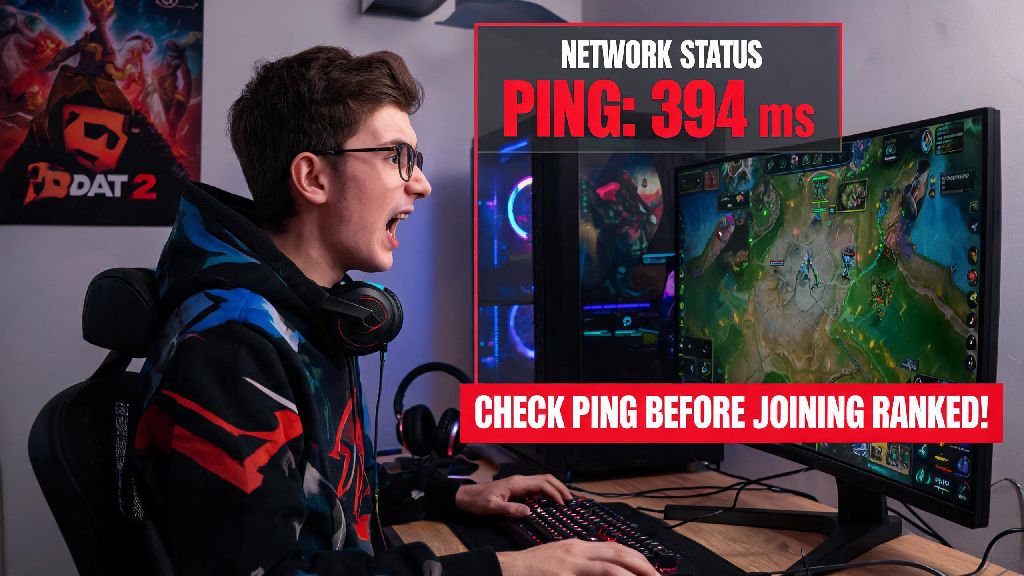
Learn how to check ping in Dota 2 before and during matches to avoid sudden lag, missed skill shots, and lost team fights with our simple, player-tested guide.
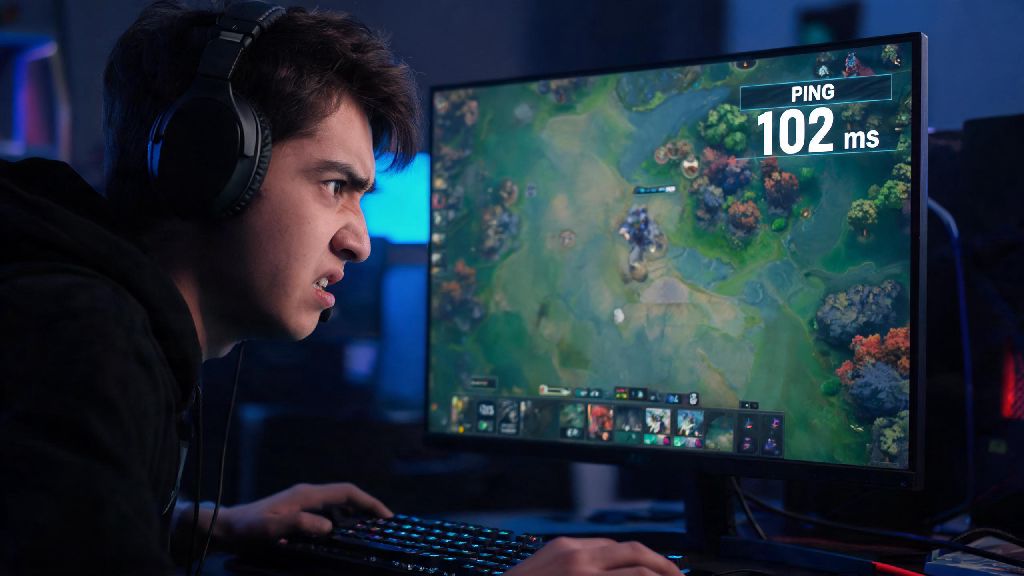
Learn how to check my ping in Dota 2 with simple in-game and external methods, fix lag spikes, and avoid missed last hits or lost team fights for a smoother ran

Learn how to boost Dota 2 FPS with proven, easy-to-follow tips that fix stutter, reduce input lag, and make your ranked and casual matches run seamlessly on any

Find out how much RAM does Dota 2 need for seamless casual play, ranked matches, and streaming. Get minimum, recommended, and optimal specs to avoid lag, stutte